
Explaining How Integrated Control Simplifies Connected Technology
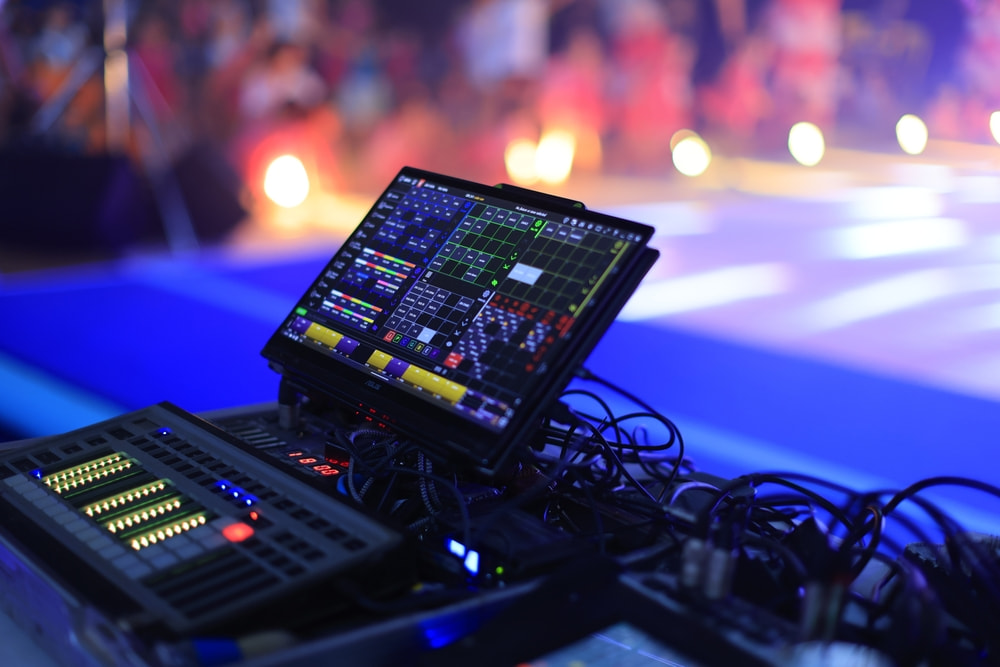
Commercial technology feels most effective when users can operate it without thinking about every device behind the scenes. A thoughtfully programmed interface brings connected equipment together in a way that supports the room’s purpose and keeps routine tasks straightforward. Pro Audio Services helps organizations exploring AV control systems in Tampa create environments where complex functionality feels easier to manage.
The result is a smoother experience that supports meetings and presentations without unnecessary technical friction. Read on to learn how AV control systems simplify connected technology, from everyday commands to programmed automation that coordinates multiple functions.
What is an AV control system?
The easiest way to understand this technology is to look at the gap between a user’s request and the equipment that has to respond. Someone taps a command on a touchscreen or another interface. A processor interprets that request and communicates with the appropriate connected components.
The user sees a simple action. Behind it, programming determines what should happen next.
What happens after a button press
Suppose someone wants to begin a presentation. Instead of reaching for separate remotes or navigating device menus, they choose the appropriate command from one interface. The programmed logic then prepares the room for that activity.
This is why interface design matters as much as the hardware behind it. Controls should reflect what users want to accomplish rather than require them to understand the technology underneath.
In educational environments, simple operation matters in teaching spaces because instructors need to move into a lesson without losing time to equipment setup or complicated controls.
The processor keeps everything coordinated
The processor sits between the interface and the connected equipment. It receives a request, interprets the programmed logic, then directs the appropriate components.
That coordination matters when different devices need to respond together. A user shouldn’t have to remember which device turns on first or which input belongs on a display. Programming handles those relationships behind the interface.
Professional integration matters because the finished experience depends on how well that logic matches the room. Even capable technology becomes frustrating when routine actions take too much effort.
What can an AV control system automate?
Automation helps simplify tasks that people repeat every time they use a room. Instead of turning on equipment and adjusting settings one by one, a programmed command can handle those steps automatically.
Presets make common tasks easier
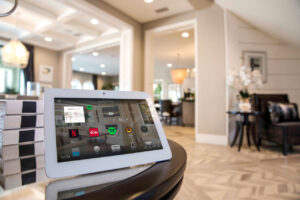 For example, a presentation preset might:
- Turn on the main display.
- Select the correct source.
- Set the audio level.
- Adjust the room lighting.
Presets like these can simplify everyday room use in meeting environments, allowing employees to begin a presentation or move into a remote call without managing several separate pieces of equipment.
Automation can work in the background
Not every programmed action requires someone to press a button. Some functions can run on a schedule, allowing routine equipment behavior to happen automatically.
For example, connected equipment can be set to shut down after operating hours. When lighting is part of the broader integration, scheduled responses can also support energy management across the property.
Useful automation should remove unnecessary effort from everyday operation. Programming should always reflect a practical need within the space rather than add features that make the experience harder to understand.
Coordinated control can extend across multiple spaces
Larger properties often contain several rooms that use similar technology. Giving users a familiar way to operate those environments makes moving between spaces easier while helping technical teams maintain a more consistent approach.
When a coordinated system connects multiple commercial spaces, common control principles can make operation more familiar throughout the property while still allowing each room to support a different purpose.
Professional planning also helps determine which functions should remain specific to one room and which should follow a broader standard. Making those decisions before programming begins creates a more cohesive experience without forcing every space to operate identically.
 Where can I find easy-to-use AV control systems in Tampa?
 Where can I find easy-to-use AV control systems in Tampa?
Pro Audio Services designs and programs commercial AV control systems around the way people actually use each space. Businesses near Julian B. Lane Riverfront Park and throughout Tampa can rely on our team to bring displays, audio, lighting, and other connected technology into a control experience that is easier to operate.
Contact us to discuss a system built around your everyday needs.
